Free creator resources · 10 November 2026
Free GTA 6 title-card & thumbnail templates.
Make an original text-led graphic for your own GTA VI coverage. Edit the title, channel label and colours, then export a landscape or portrait image. No purchase is needed to use the online editor.
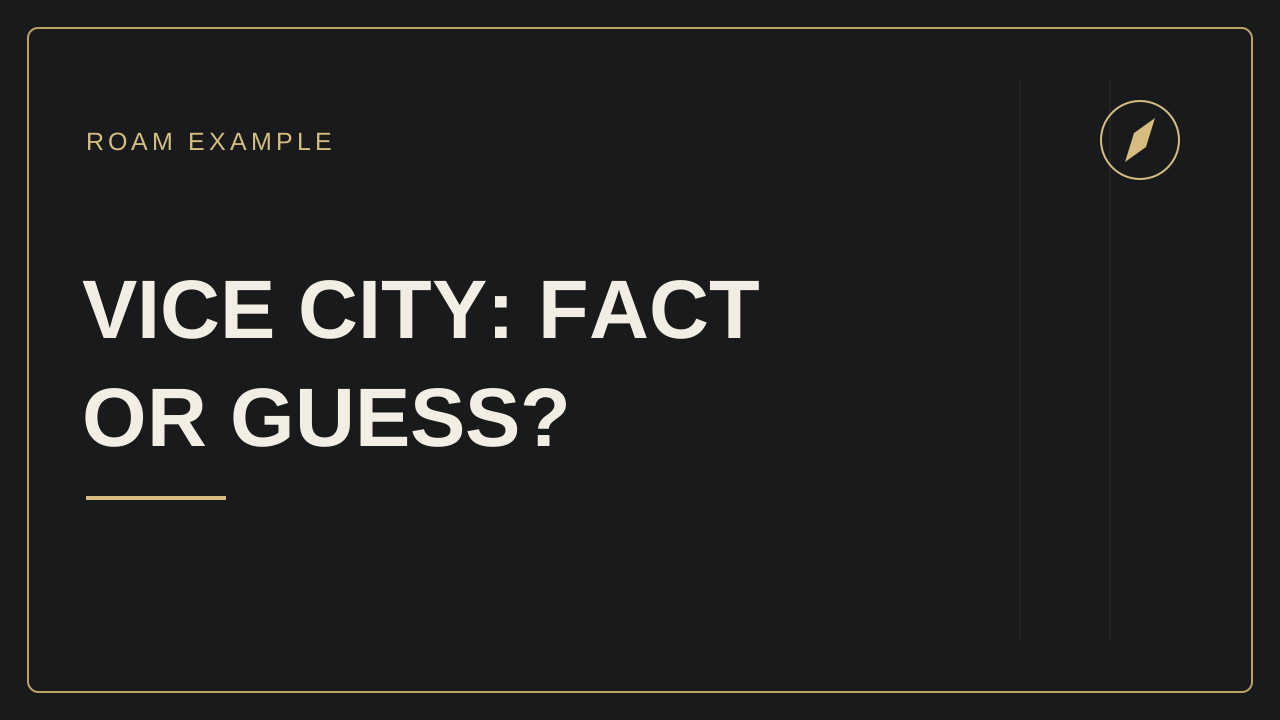
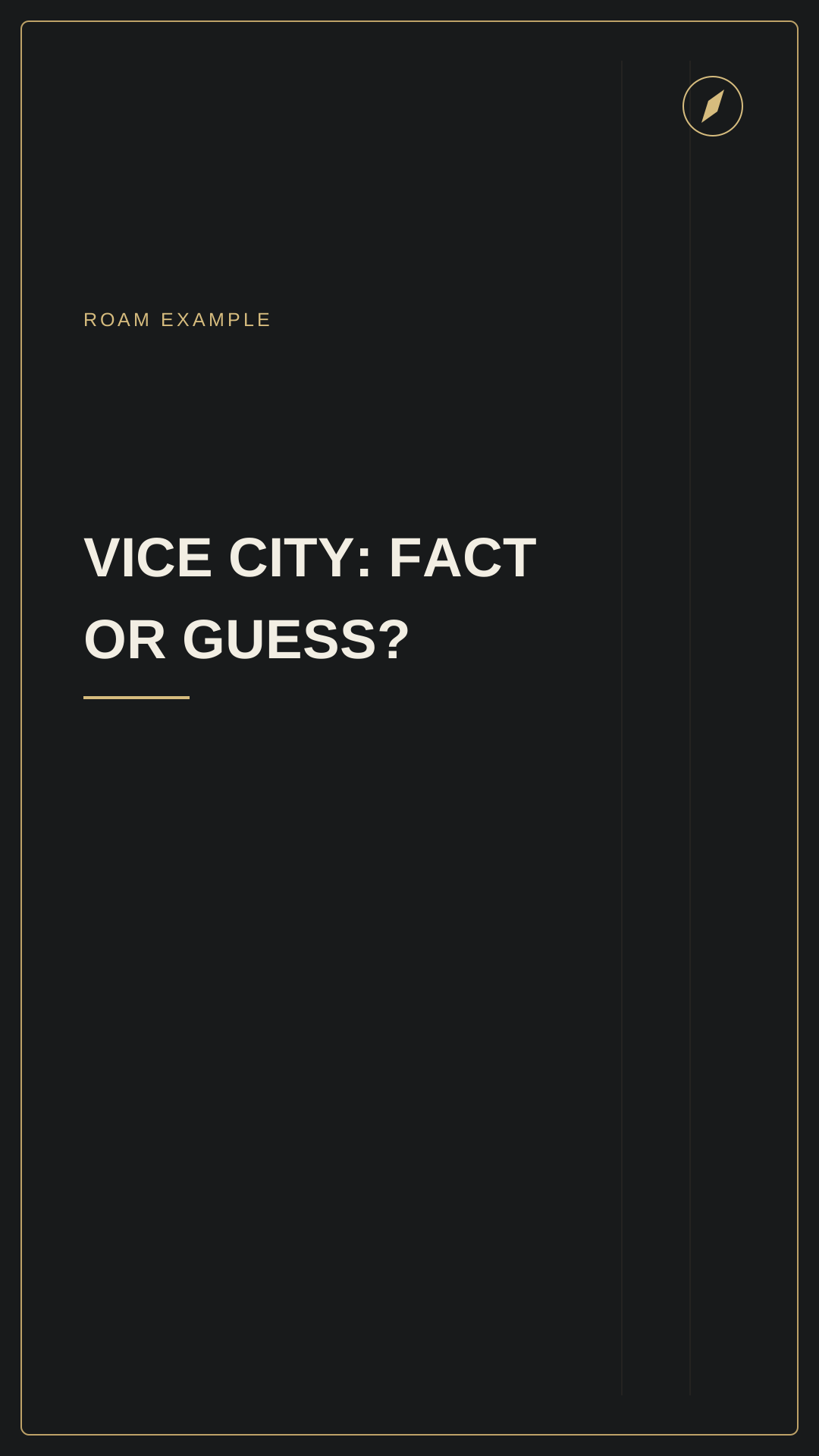
Choose the output that fits your project.
| Layout | Export size | Use it for |
|---|---|---|
| Landscape, 16:9 | 1280 × 720 | A title graphic or starting point for a video thumbnail |
| Portrait, 9:16 | 1080 × 1920 | A title card inside a vertical video |
Export PNG or JPG for a flattened image, or SVG for further editing. These are ROAM's output dimensions, not a claim that every platform accepts a custom cover in every publishing flow. Check the preview and current upload options in the platform you use.
Make a graphic in five steps.
- Start with the actual point. For a source-checking video, “Fact or guess?” is more accurate than “Everything confirmed”.
- Use a short title. Put the detail in your script. Preview the card at a small size to see whether the message still reads clearly.
- Set your channel label and colours. Keep enough contrast between the words and the background. The example artwork is an original graphic, not a game screenshot.
- Compare both shapes. A title that fits in landscape may wrap differently in portrait. Check the entire title and its margins.
- Download and open the file. Select PNG or JPG and choose Download. If the browser opens the export panel, choose Save file there. Open the saved file and inspect its title and crop.
Save a named project if you want to return to it. Projects remain in this browser; use the editor's library backup to keep a separate copy or move to another device.
Start with editable SVG examples.
These are the two original cards shown above. They contain no Rockstar logo, game footage or music. Adapt the layouts for your own finished channel content; do not resell or redistribute the templates as a competing product.
Read the usage terms. You are responsible for permission to use any third-party assets you add.
What the free tool does—and what the full kit adds.
The online editor, three video briefs and this worked example are free. The planned full Creator Kit adds ten expanded briefs, three additional worked examples, an offline editor, more layouts and a 14-day editorial plan. It does not supply finished videos, game access, licensed Rockstar assets or a promise of more views.